
Payslip PNP Online: Login, Download & Complete Guide
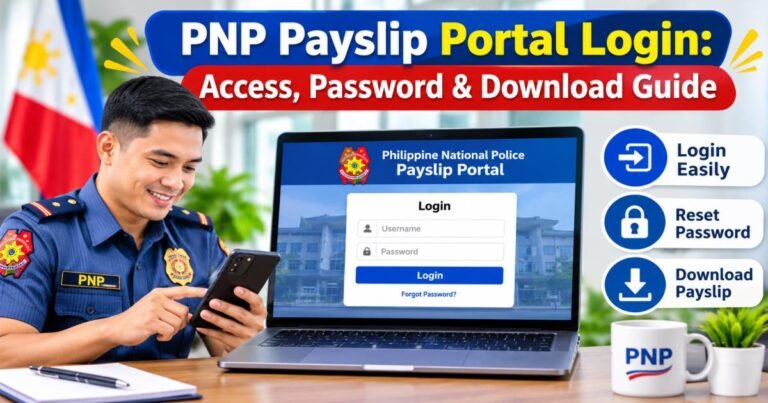
Philippine National Police personnel access their monthly salary records through the PNP Payslip Online system. The portal most often used is payslip.pnppms.org. You enter your registered credentials, choose the pay period you need, view the figures, and save or print a copy. Confirm the exact current address with your unit finance office before you type any personal details, because look-alike sites appear in search results.
This guide explains the system, the safe login steps, how to read the numbers, and what to do when problems arise.
What Is the PNP Online Payslip System?
The system lets active PNP members check their monthly salary statements without waiting for a paper copy. It sits under the PNP Finance Service and forms part of the wider Payroll Management System.
Officers use it because it cuts waiting time. You open a phone or computer, log in, and see base pay, allowances, deductions, and net amount for any available month. The same screen often shows related forms such as the annual tax certificate when the finance office loads them.
You will learn how the portal works, how to complete a secure payslip pnp login, how to download a statement, how to understand every line, and how to get help when the account locks or the page fails to load.
What Is Payslip PNP?
A PNP payslip records one pay period’s earnings and deductions for a police personnel. The online version of that record appears on the payslip pnp portal so members can retrieve it themselves.
The system exists to give clear, up-to-date salary information. Only active personnel who hold a valid PNP ID and an activated account can open it. New members usually complete registration with help from their unit finance staff.
The PNP Online Payslip differs from PNP PAIS. PAIS handles broader personnel and accounting records. The payslip portal focuses on monthly salary statements that you can view and save. Many officers open both systems for different tasks.
Payslip PNP Online Portal: What You Should Know
The PNP Finance Service runs payroll operations and the related digital tools. The portal lets you see current and past pay periods, download PDF copies, and in some cases open tax forms.
Typical information includes base pay, longevity pay, personnel economic relief allowance, any special allowances that apply that month, mandatory contributions, tax withheld, and authorized loan payments. The final line shows the net amount sent to the bank.
Search results often list unofficial pages. Always ask your unit finance office or Regional Finance Service Office for the address currently in use. Type that address yourself rather than clicking unknown links.
Requirements for Accessing the payslip PNP Portal
You need a valid PNP ID or badge number, a registered username and password that the system already recognizes, a working internet connection, and a phone, tablet, or computer. Account activation usually happens during initial registration or through the finance office. Without these items the login page rejects the attempt or shows an account-not-found message.
How to Log In to payslip pnp Online
Follow these steps for a safe payslip pnp online login:
Ask your unit finance or administrative staff for the exact current portal address. This step blocks most phishing attempts.
Open a browser and type the confirmed address carefully.
Enter the username (commonly the PNP ID or badge number) and the password linked to that account.
Complete the security check if the page shows one.
Click the login button. The system then opens the dashboard that holds the payslip options.
If the page looks different from the one your unit described, close it and verify the address again.
How to View Your Payslip PNP Online
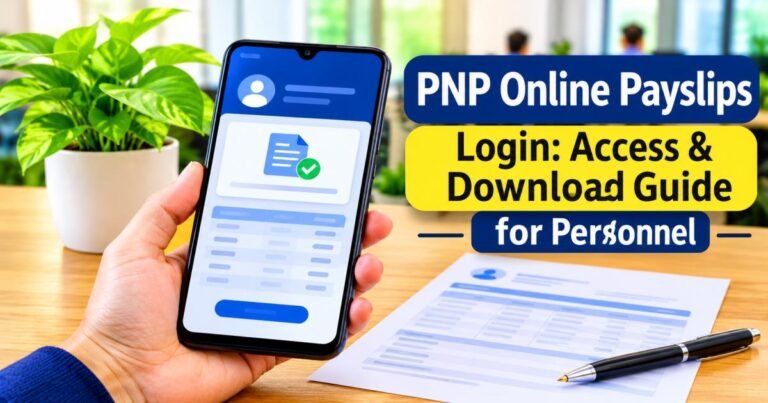
After login, find the section marked Payslip or e-Payslip. Open it. Select the month or pay period from the list. The screen displays earnings, deductions, and net pay for that period. You can read the figures on the spot without saving a file.
How to Download and Print a Payslip PNP
Once the payslip appears, choose the download or print option. On a computer the file usually saves as a PDF. On a phone it stores in the downloads folder. Open the PDF and use the device print function when you need a paper copy.
A downloaded file works well for personal records and many everyday needs. Some banks or agencies still require an authenticated copy signed by the finance office. Request that version through your unit when the transaction specifically asks for it.
How to Read and Understand Your Payslip PNP
The left or upper part lists earnings: base pay, longevity pay, personnel economic relief allowance, and any extra allowances that apply. The right or lower part lists deductions: PhilHealth, Pag-IBIG, retirement contributions, withholding tax, and loan payments. The bottom lines show total earnings, total deductions, and the net amount credited to the bank.
Check these numbers each month. Spotting an error early makes correction easier.
How to Reset or Recover Your Payslip PNP Password
Forgotten passwords happen after long gaps between logins. Most portals place a “Forgot Password” link near the login fields. Click it, enter the email or mobile number registered to the account, and follow the instructions that arrive.
If the automatic reset fails, take your PNP ID to the unit finance office or Regional Finance Service Office. Staff can verify identity and restore access. Bring the ID and a short note of the problem so the visit stays short.
Common PNP Payslip Login Problems and Solutions
Wrong username or password is the most frequent issue. Re-type the details slowly and check that Caps Lock is off. Use the recovery link if the page still rejects the entry.
An account-not-found message usually means the account has not been activated or the username is mistyped. The finance office can activate or correct it.
If the portal refuses to load, try another browser, clear the cache, or switch networks. Maintenance windows sometimes take the system offline for short periods. Ask the unit for an update if the outage lasts more than a day.
A missing month often means the file has not yet been uploaded. Wait a few days or check with finance if the period is already several weeks old.
PNP Payslip Online vs. PNP PAIS: Key Differences
The payslip pnp online portal exists so members can open and save monthly salary statements. PAIS covers wider personnel accounting data. Both serve PNP personnel, yet each answers a different question. Use the payslip portal when you need salary figures. Use PAIS when you need broader service records.
Is the PNP Online Payslip System Safe?
Safety rests on careful habits. Keep the username and password private. Confirm the website address with your unit every time you need to log in after a long break. Treat any message that asks you to click a link and enter credentials as suspicious until the unit confirms it.
Store downloaded files in a private folder. Log out when you finish, especially on a shared device.
How to Get an Official or Authenticated PNP Payslip
The online copy serves personal records and many informal requests. Certain banks, government offices, or legal processes demand an authenticated version issued and signed by the finance office. Submit the request through your unit finance staff or the Regional Finance Service Office. They generate the document according to internal rules.
Who to Contact for PNP Payslip Assistance
Begin with the unit finance or administrative office. Most login and password issues end there. If the problem continues, move to the Regional Finance Service Office. The central PNP Finance Service handles system-wide matters.
Prepare your full name, rank, PNP ID or badge number, unit, and a clear description of the difficulty before you call or visit. Ready information shortens the conversation.
Final Thoughts
Checking salary details online has become routine for many PNP members. Log in with the verified address, select the needed month, review the numbers, and save a copy when required. Regular checks help you stay aware of earnings and deductions. Obtain the current link from internal sources and protect the account details so the records remain private and accurate.
Frequently Asked Questions
What is the official PNP payslip portal?
The address most often used in recent years is payslip.pnppms.org. Confirm the exact current link with your unit finance office or Regional Finance Service Office before every login.
How can I log in to my PNP payslip account?
Open the verified portal, type the registered username and password, complete any security check, and select the login button. The dashboard then appears with the payslip options.
Can I download my PNP payslip on my phone?
Yes. The portal works in mobile browsers. After the payslip loads, choose the download option to save a PDF to the phone.
How do I print my PNP online payslip?
Download the PDF first, open it, and use the print function on the device. Some browsers also allow direct printing from the page.
What should I do if I forget my PNP payslip password?
Select the “Forgot Password” link on the login page and follow the steps sent to the registered email or mobile number. If that fails, bring your PNP ID to the unit finance office for manual recovery.