PNP Online Payslips Login: Access & Download Guide
The pnp online payslips login lets Philippine National Police personnel check monthly salary records from any internet connection. You open the correct portal, enter your credentials, and see earnings, deductions, and net pay for the period you choose. This guide walks you through finding the right page, logging in, downloading documents, fixing common problems, and staying safe while you do it.
What Is the PNP Online Payslip Portal?
The Philippine National Police runs a payroll system that calculates base pay, allowances, and required contributions for every officer and staff member. The online payslip service sits on top of that system. After you register and log in, you can open any available month and review the exact numbers that appeared on your salary for that period.
Many personnel still visit the finance office for printed copies. The portal removes that trip for routine checks. You keep personal copies for loan applications, tax filings, or clearances without asking staff to print another sheet. The service belongs only to authorized PNP members. It is not open to the public.
Some people mix this portal with the PNP Online PAIS system. PAIS handles broader personnel records. The payslip portal shows salary documents only. Using the wrong system wastes time and leaves you staring at screens that do not answer your question.
PNP Online Payslips Login: Official Portal and Access Requirements
Locating the real login page matters more than any other step. Search engines surface many unofficial sites that claim to offer the official entrance. Some point to payslip.pnppms.org. Official PNP Finance Service posts have used that same address when explaining how to retrieve BIR Form 2316. Still, the safest route is to ask your unit finance office, the Regional Finance Service Office, or the staff at fs.pnp.gov.ph for the exact current link. Addresses change. Fake pages that look almost identical appear often.
You will need a username (usually your PNP ID or badge number) and the password you set during registration. Some accounts also require the email or mobile number used at sign-up. Only personnel with complete payroll records can open an account. Retired or separated members normally request copies through the Finance Service instead of the online system.
Before you type anything, read the address bar carefully. Confirm it matches the link your unit gave you. Never enter your pnp online payslips login password on a page that looks slightly different or that arrived by unsolicited message. Log out when you finish and clear the browser history if the computer is shared.

How to Log In to PNP Online Payslips Step by Step
Type the verified address into your browser. Wait for the page to load fully. Find the username and password fields.
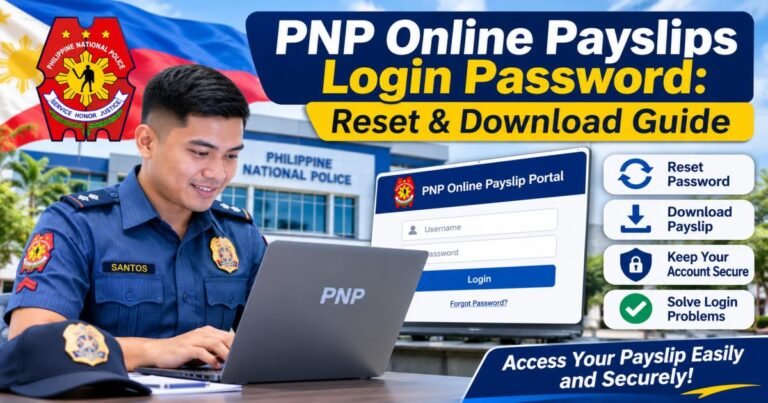
Type your registered username and the current password. Some versions of the portal ask for a captcha code or a six-digit number from an authenticator app. Submit the form. A correct login opens a dashboard that lists pay periods or recent salary files.
Choose the month and year you need. The system then shows the corresponding payslip. If the buttons or menu labels differ from this description, follow the on-screen options. System updates or unit-specific settings sometimes change the appearance. When the page behaves strangely, capture a screenshot of the message and show it to finance staff rather than guessing.
How to View and Download Your PNP Online Payslip
The dashboard usually opens on the latest available pay period. Use the selector to move to an earlier month. Click the view or generate button. Read the numbers before you save anything.
Most versions let you save the document as a PDF. Look for the download or save icon. Store the file in a private folder on your own device. Name the file with the pay period so you can find it later. If you need a printed copy for official use, open the print dialog in the browser and choose legal-size paper when the form requires it.
Keep downloaded files private. Do not leave them on public computers or in shared cloud folders. Delete temporary copies after you have a permanent private version.
What Information Does a PNP Payslip Contain?
The top of a standard payslip shows your full name, badge number, rank or position, unit, and the exact pay period. The earnings block lists basic salary, longevity pay, personnel economic relief allowance, hazard pay, clothing and laundry allowances, and any other authorized additions. The deductions block shows PhilHealth, Pag-IBIG, retirement contributions, income tax, and loan or association payments. The bottom line states the net amount that reached your account.
Compare the current sheet with previous months. Small shifts often come from updated contribution rates or loan schedules. Larger unexplained differences need attention. Write down the exact figures, the pay period, and any papers you already hold. Take them to the unit finance office so staff can check the master payroll file.
How to Register for PNP Online Payslips
New users must create an account before they can complete a pnp online payslips login. Typical requirements include full name, date of birth, PNP ID or badge number, a working email address, and a mobile number. Some portals also ask for a national ID or similar verification.
Fill every field carefully. An error in the ID number or email address can stop activation. After you submit the form, check the email inbox for a confirmation link or code. Activate the account inside the time window given. If nothing arrives, wait a short while and try again, or bring your PNP ID to the unit finance office. Personnel who recently transferred or whose records are incomplete sometimes need finance staff to open access first.
How to Reset a Forgotten PNP Payslip Password
If you forget the password, look for the “Forgot Password” or “Reset Password” link on the login page. Enter the email address registered with the account. The system sends a recovery link or temporary code. Follow the steps to set a new password.
When the registered email is no longer available, the automatic option fails. Bring your PNP ID and any other identification to the unit finance or administrative office. Staff can confirm your identity and reset access from the back end. Avoid searching for unofficial methods that claim to recover a pnp online payslips login password forgot without email access; those pages frequently lead to phishing traps.
Create a new password that is long, unique, and different from passwords you use elsewhere. Do not leave it written near your desk. Change it from time to time and never share it with anyone, even a colleague who offers to help.
Common PNP Online Payslips Login Problems and Solutions
An incorrect username or password stops most users. Check the PNP ID for extra spaces or switched digits. Make sure Caps Lock is off. If the problem continues, use the recovery link or visit the finance office.
When the login page itself refuses to open, test your connection with another website. Clear the browser cache and cookies, or switch browsers. Some mobile networks or workplace firewalls block certain addresses; changing networks often solves the issue.
Lost credentials require the recovery steps above. An account that is locked or shows “access denied” usually means too many failed tries or a temporary restriction. Wait the cooling period or ask finance staff for help. A payslip missing from the dashboard can mean the month has not yet been uploaded or that the record is under review. Check again after a few days or ask the unit for confirmation.
Download or print failures often come from pop-up blockers or old browser software. Allow downloads from the verified domain and update the browser. Suspected outages are best confirmed by calling the unit rather than by trying random mirror sites.
When to Contact PNP Finance Service for Assistance
Go to the unit finance office or the Regional Finance Service Office when self-service options fail, when salary numbers look wrong, or when account activation is blocked. Bring your PNP ID and a short written note of the exact problem. The national PNP Finance Service at Camp Crame handles higher-level questions. Use only official channels. Never send login details by email or messaging apps.
Is the PNP Online Payslip Portal Safe to Use?
A legitimate page uses the exact domain your unit supplied. Read the address bar from right to left. Extra words or slight spelling changes are red flags. Browser warnings about invalid certificates mean you should close the page at once and report the link.
Unofficial login pages collect usernames and passwords for later misuse. Once credentials are taken, an attacker can view salary details or attempt further identity theft. Protect yourself with strong unique passwords, any available multi-factor options, and by logging out after every session. Never share the pnp online payslips login password philippines details with anyone who claims to work for the Finance Service.
PNP Online Payslip Portal vs. PNP Online PAIS
The payslip portal exists only to display and download monthly salary documents. PAIS covers wider personnel data and service records. For salary information, stay inside the payslip system. For other personnel matters, use PAIS or the proper office. Keep separate bookmarks for each so you do not mix them up.
What to Do If Your PNP Payslip Shows Incorrect Salary Details
Read every line of earnings and deductions. Note the exact amounts that differ from your expectation or from earlier months. Collect any supporting papers such as loan statements or previous payslips. Write a short factual request for review and submit it to the unit finance office with your PNP ID. Follow the official correction path. Keep a copy of your request for your own records.
Tips for Accessing PNP Online Payslips on a Mobile Phone
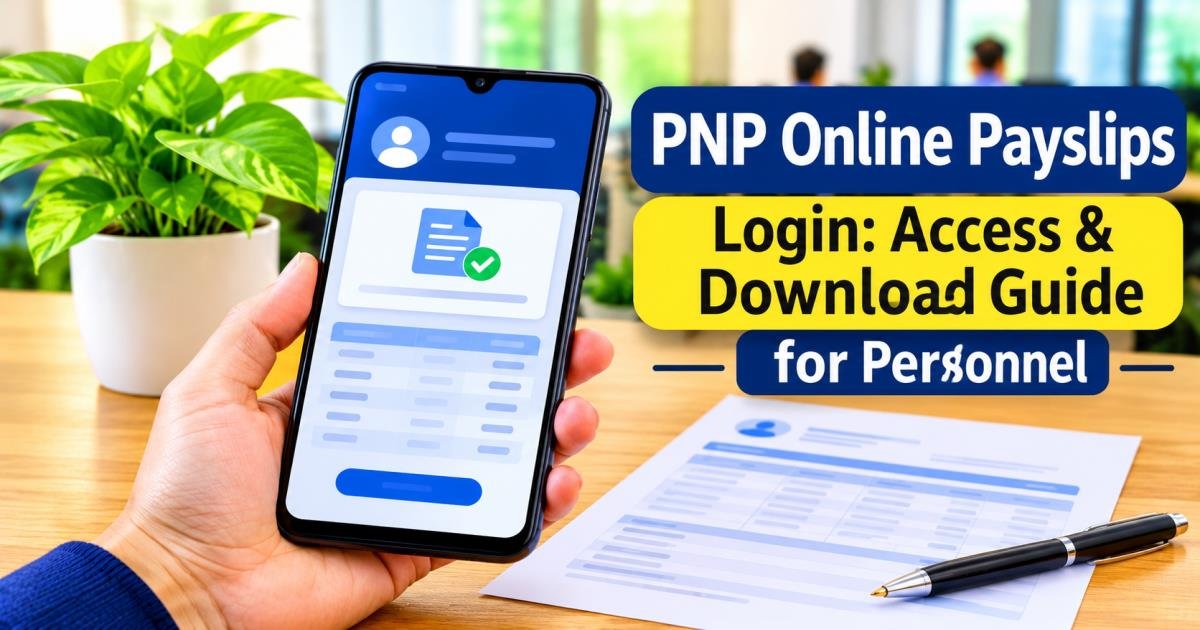
Open the verified portal address in the phone browser. No widely documented official pnp online payslips login app exists, so the browser remains the reliable route. After you log in, view the payslip and save the PDF to the phone’s files. Protect the file with a strong phone passcode and avoid opening it on shared devices. If the page displays poorly, switch the browser to desktop mode or try a different mobile browser.
The pnp online payslips login gives personnel a practical way to review and keep salary records. Success rests on using the verified portal address, protecting credentials, and contacting the unit finance office when self-service tools are not enough. Always obtain the current link from official PNP channels rather than from general search results. When account or payroll questions stay unresolved, the appropriate finance or administrative office is the place to seek help.
Frequently Asked Questions About PNP Online Payslips Login
What is PNP Online Payslips Login?
It is the secure entry point that lets authorized PNP personnel view and download monthly salary documents through the official payroll portal.
Where can I find the PNP Online Payslip Portal?
Ask your unit’s finance office, the Regional Finance Service Office, or the official PNP Finance Service website for the current address. Do not rely only on search-engine results.
Who can access PNP Online Payslips?
Active personnel whose records sit correctly in the payroll system can register and log in. Retired or separated members normally request copies through official Finance Service channels.
How can I download my PNP Payslip?
After you log in and choose the pay period, use the download or save option on the portal to obtain a PDF copy. Store the file in a private location.
What should I do if I forget my PNP Payslip Password?
Use the “Forgot Password” link on the login page if your registered email still works. If the email is unavailable, visit the unit finance office with proper identification for assistance.